Robocalls and robotexts waste time, erode trust, and sometimes cost people real money. The good news: you can dramatically cut them down with a smart mix of the National Do Not Call Registry, free tools from your phone carrier, and simple reporting habits that train the filters to work better for everyone. This guide focuses on the United States and folds in what’s changed recently so you can act with confidence.
At a high level, the plan is simple. First, put every number you control on the Do Not Call list so legitimate telemarketers leave you alone. Next, turn on the free protections your carrier already gives you—these now label and block many suspicious calls and texts automatically. Finally, report the junk you still get so the systems learn, bad actors are investigated, and repeat offenders can be fined or cut off.

Stop Unwanted Robocalls and Texts
To stop robocalls fast in the US: add your numbers to the National Do Not Call Registry, enable your carrier’s free spam-blocking tools (AT&T ActiveArmor, Verizon Call Filter, or T-Mobile Scam Shield), silence unknown callers on your phone, and report spam—forward scam texts to 7726 (SPAM) and file complaints with the FTC/FCC. This combo blocks most legal telemarketing and trains networks to filter the illegal stuff.
Robocalls vs. robotexts: what you’re actually fighting
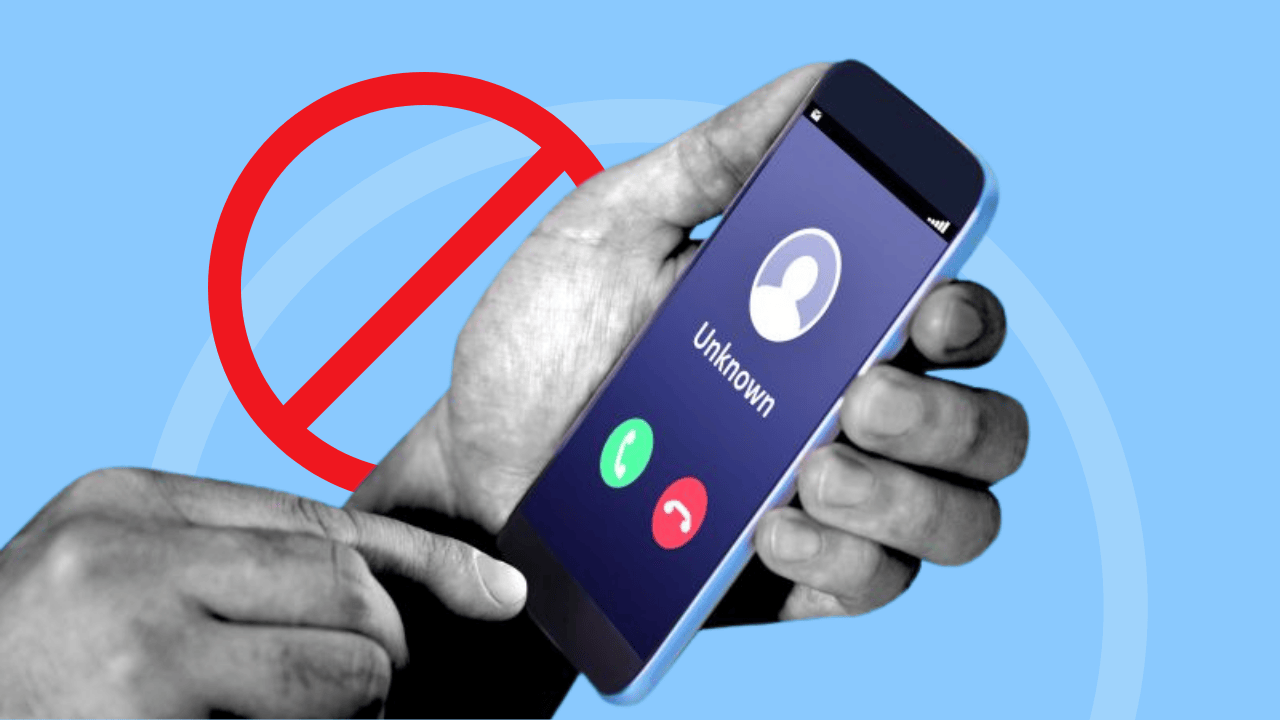
“Robocall” generally refers to automated calls—often with a prerecorded or synthetic voice. “Robotexts” are the SMS/MMS equivalent. Both are regulated, and both are targets of active FCC and FTC enforcement. Recent rules also clarify that AI-generated voices count as “artificial/prerecorded voice” under the TCPA, meaning they’re subject to consent and other requirements just like old-school robocalls.
Put Every Number On The National Do Not Call Registry
Register your mobile and landline numbers at the National Do Not Call Registry. Registration is free, covers mobile and landline, and doesn’t expire. After you sign up, it can take up to 31 days before sellers are required to stop calling. The Registry blocks sales calls from legitimate telemarketers; it doesn’t stop political, charity, or survey calls, and it won’t stop scammers who ignore the law—but it removes a big chunk of lawful marketing noise.
If you still get sales calls after 31 days, tell the caller to put you on their company-specific do-not-call list and then report them (details below). Violators can face significant civil penalties.
Turn On Free Carrier Spam Protection
All three major US carriers offer free spam-blocking and labeling:
- AT&T ActiveArmor flags/blocks suspected spam and helps manage nuisance calls and texts.
- Verizon Call Filter identifies and blocks spam, with caller ID labeling.
- T-Mobile Scam Shield provides Scam ID and Scam Block for free; when “Scam Likely” shows, you can block these automatically.
On your device, enable the native protections:
- iPhone: Settings → Phone → Silence Unknown Callers (unknown numbers go straight to voicemail).
- Android (Google Phone app): Settings → Caller ID & spam → turn on Filter spam calls; consider Call Screen on supported devices.
These tools work even better when you report bad calls and texts (next step).
Report As Spam
- Texts: Forward spam texts to 7726 (that spells SPAM). This routes the message to your carrier’s anti-spam systems; carriers and the industry group CTIA encourage it, and the FCC recommends it too.
- Calls & texts: File a quick complaint with the FTC (Do Not Call violations, scams) and/or the FCC (unwanted calls/texts, spoofing). Your reports feed investigations and improve blocking/labeling across networks.
When you report illegal sales calls after you’re on the Registry—or deceptive/scam campaigns—the data helps regulators and carriers pinpoint offenders. The FTC publicly shares phone numbers from reports to improve blocking. Civil penalties for violations are substantial (the FTC’s inflation-adjusted maximum civil penalty is $53,088 per violation as of Feb 11, 2025), and persistent bad actors can be cut off from networks.
Robocalls/RoboText Spam New 2025
- AI voice cloning in robocalls: In Feb 2024, the FCC clarified that AI-generated voices are treated as “artificial/prerecorded” under the TCPA. That means these calls generally require proper consent, identification, and opt-out, and illegal campaigns can be blocked and fined.
- Robotext blocking: The FCC has required carriers to block texts that originate from invalid, unallocated, or unused numbers, and continues to tighten the robotext rules. This reduces junk at the network edge.
- Caller ID authentication (STIR/SHAKEN): Carriers authenticate caller ID on IP networks to curb spoofing. Authenticated calls are easier to trust and to trace; unauthenticated traffic faces growing scrutiny and blocking.
What You Can Do Today
FAQs (updated for 2025)
Does the Do Not Call list stop all robocalls?
No. It stops most legal sales calls. It doesn’t cover political organizations, charities, or surveys, and scammers ignore it. But it removes a major chunk of legitimate telemarketing, and it strengthens your complaints when violations continue.
How long until the Registry works?
Up to 31 days after registration. After that, sales calls should cease; if not, tell the caller to place you on their internal do-not-call list and report them.
Are AI voice robocalls illegal now?
They’re treated as artificial/prerecorded voice calls under the TCPA, which means they generally require prior consent (and must follow ID/opt-out rules). Unauthorized campaigns can be blocked and penalized.
What’s the best way to report spam texts?
Forward them to 7726 (SPAM), then delete. You can also file complaints with the FTC/FCC. Don’t click links or reply, except to send STOP to legitimate, recognized senders.
Will STIR/SHAKEN stop spoofing completely?
No, but it significantly reduces spoofed caller ID on IP networks and improves tracebacks and filtering. It’s one pillar of a broader strategy that includes analytics and blocking rules.
Which carrier app should I use?
Use your carrier’s free option: AT&T ActiveArmor, Verizon Call Filter, or T-Mobile Scam Shield. Each labels and/or blocks likely spam and lets you adjust aggressiveness.
What about phone settings?
On iPhone, use Silence Unknown Callers. On Android, turn on Filter spam calls (Google Phone app) and use Call Screen where available.
You won’t eliminate every unwanted call or text, but this three-part plan—Do Not Call + carrier filters + reporting—cuts the volume dramatically and keeps pressure on abusers. Spend ten minutes setting it up once, and you’ll keep saving minutes every day.
Last updated: September 3, 2025 (U.S. rules and carrier tools).